
Installation
All operations on the Talos cluster are driven by code in the repository.
Prerequisites
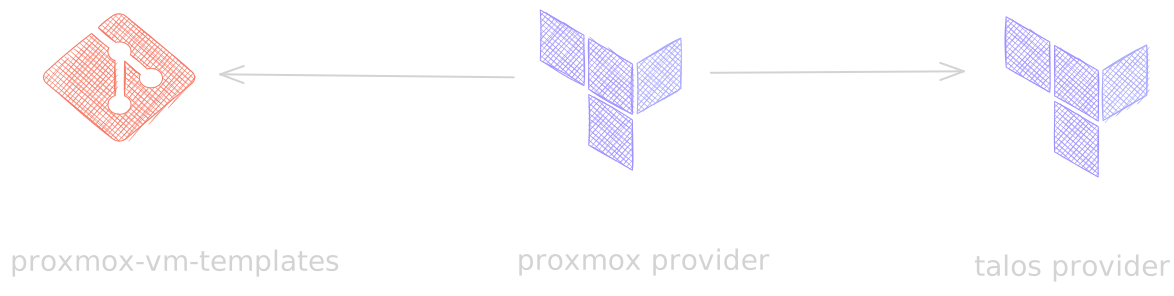
The code that creates the cluster depends on the existence of a virtual machine template: talos-nocloud-amd64. The template is built in the proxmox-vm-templates repository.
You will also need the talosctl tool (installation guide).
IP address pool
Two IP address ranges are required: one for the Talos virtual machines and one for the Kubernetes load balancer.
Let's assume we want to run a six-node Talos cluster:
- 6 IP addresses for all nodes + 1 for the VIP
- 10 IP addresses for the Kubernetes load balancer
It is worth reserving additional IP addresses for future cluster expansion.
Preparing the code
Repository structure:
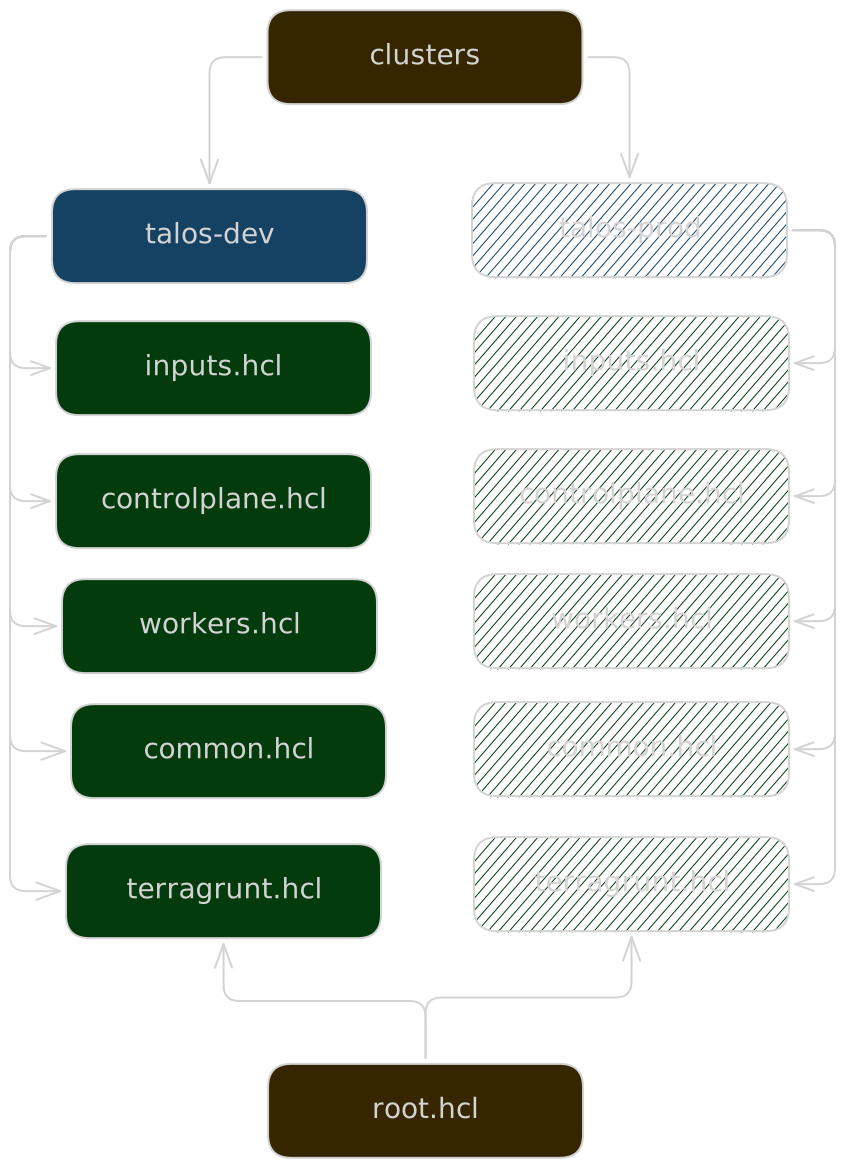
Launching a new cluster comes down to copying the talos-dev directory under a new name, e.g. talos-prod, and adjusting the configuration.
Directory name
The name of every cluster configuration directory should start with the talos- prefix. The prefix is used to locate the Terraform module.
VM configuration
The virtual machine configuration parameters are split into three files to improve code readability.
Common
File: common.hcl
Parameters shared by all virtual machines in the cluster. For now, I assume that every virtual machine has identical resources (CPU, RAM, disk).
- network gateway and DNS server IP address,
- virtual machine template,
- CPU / RAM / disk — the amount of resources assigned to the virtual machines,
- name of the storage in the Proxmox cluster that will hold the disk image,
- virtual machine behaviour after the Proxmox server boots (automatic start).
Controlplane and Workers
Files: controlplane.hcl, workers.hcl
Both files share a similar structure. They contain the list of nodes with a specific role: control-plane or worker.
nodes = {
  node-1 = {
    pve_node  = "proxmox"
    template  = local.common.template
    resources = local.common.resources,
    network = merge(local.common.network, {
      ip = "192.0.2.33/24"
    })
    onboot = local.common.onboot
  }
 ...
}
At this level we specify the name of the Proxmox cluster node that will host the virtual machine, as well as its static IP address. The remaining parameters are inherited from common.hcl.
Inputs
File: inputs.hcl
Input parameters of the Terraform module and the configuration of the most important cluster parameters:
cluster_endpoint   = "192.0.2.100"
kubernetes_version = "v1.37.1"
talos_version      = "v1.14.3"
cluster_endpoint is the VIP that floats between control-plane nodes. It keeps the cluster reachable if any node fails.
Creating the cluster
Once the cluster code is ready, run the deployment:
cd talos-prod
terragrunt apply
During deployment, the virtual machines are created on the Proxmox cluster first. Then the Talos provider generates the cluster configuration and applies it to the newly created virtual machines. After a few minutes the cluster is ready.
Kubernetes
After apply finishes, wait another 1–2 minutes. During this time Talos configures the Kubernetes cluster, which is not available immediately.
Preparing the environment
To operate the cluster and observe how it runs, you need to configure your workstation.
Fetch the Talos configuration for talosctl:
terragrunt output -raw talosconfig > ~/.talos/configKubernetes configuration:
talosctl -n 192.0.2.33 kubeconfigThe kubeconfig operation does not overwrite the Kubernetes configuration of other clusters — a new context is created instead. This lets you switch between Kubernetes clusters. The configuration is overwritten only if a cluster with the same name already existed. In that case, you are asked to confirm the operation.